YOUR LIFE, OUTSIDE WORK.
OffHours
Quiet work.
Keep your time.
Pause Gmail and work app notifications.
Let the rest of your life through.
Free to start. Made for Android.
 OffHours
Get OffHours
OffHours
Get OffHours

YOUR LIFE, OUTSIDE WORK.
Quiet work.
Keep your time.
Pause Gmail and work app notifications.
Let the rest of your life through.
Free to start. Made for Android.
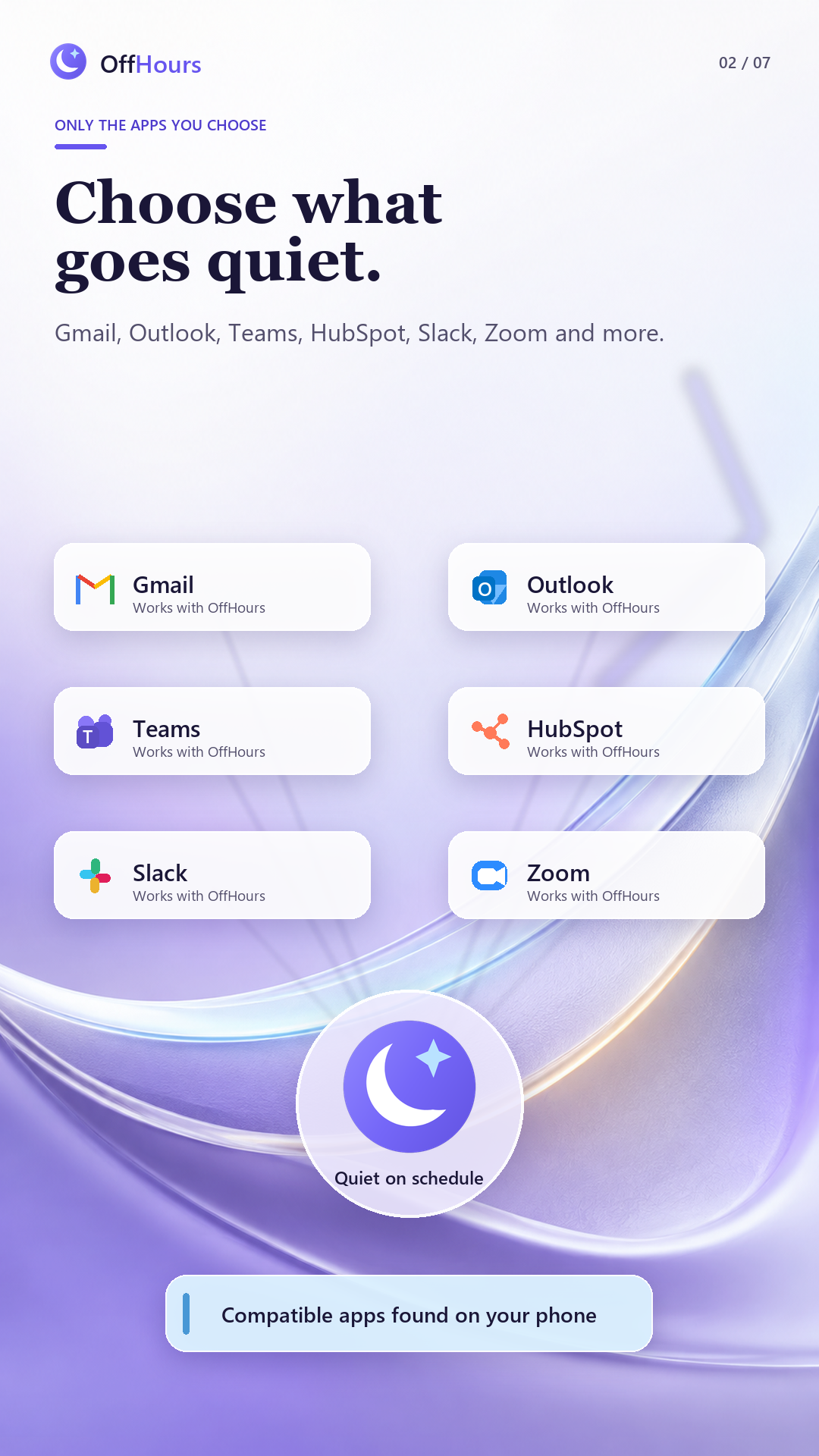
Your work apps. Your boundaries.
 Gmail
Gmail Outlook
 Microsoft Teams
 HubSpot
 Slack
Slack Zoom
ZoomAnd other compatible apps installed on your Android phone.
YOUR PHONE IS PERSONAL. KEEP IT THAT WAY.
One more email at dinner. One more message on Sunday.
Give work its own hours, without putting your whole phone on pause.
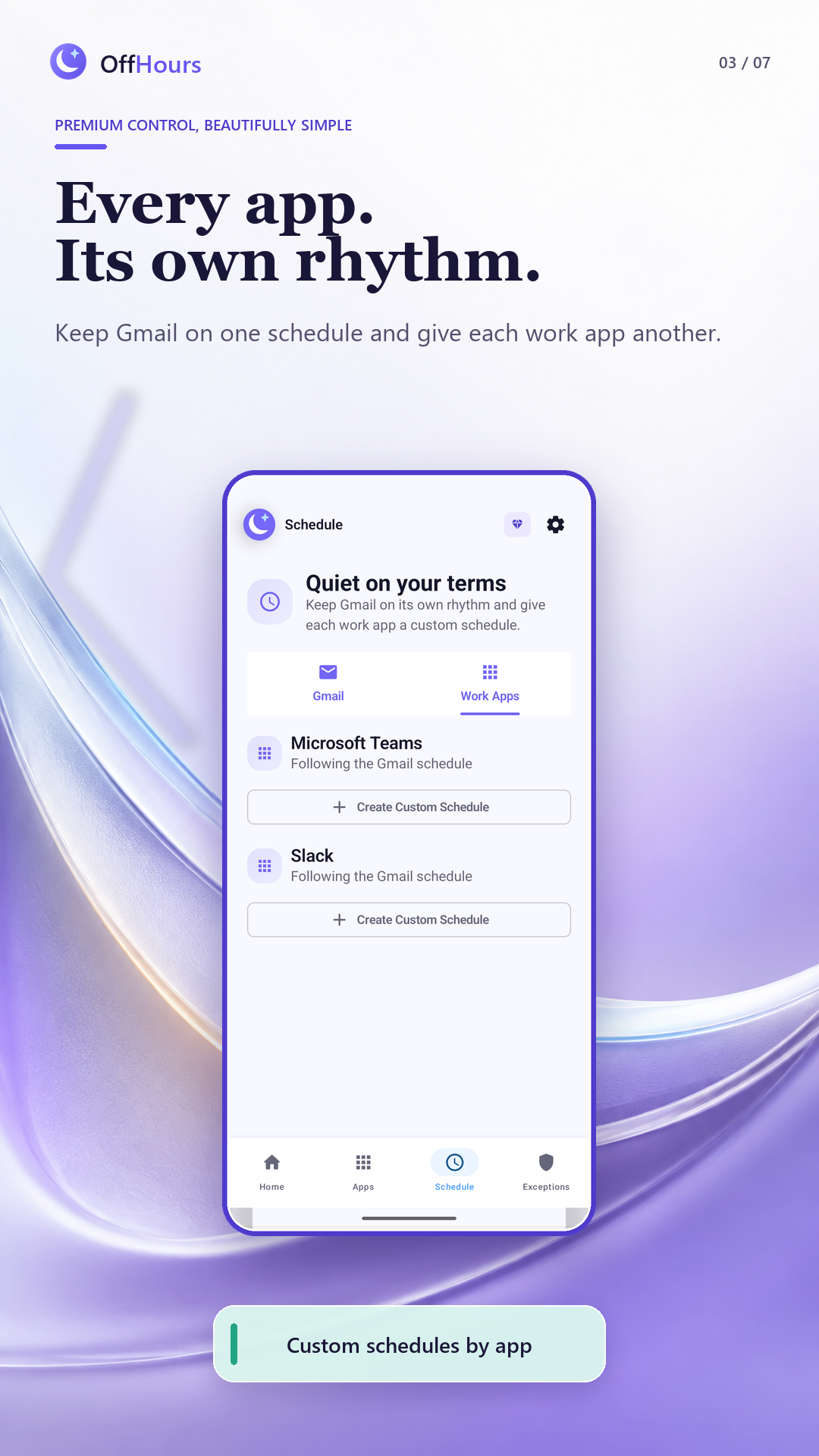
Choose compatible apps already on your phone. Keep work notifications quiet while the rest of your phone stays yours.
Free includes Gmail + one work app
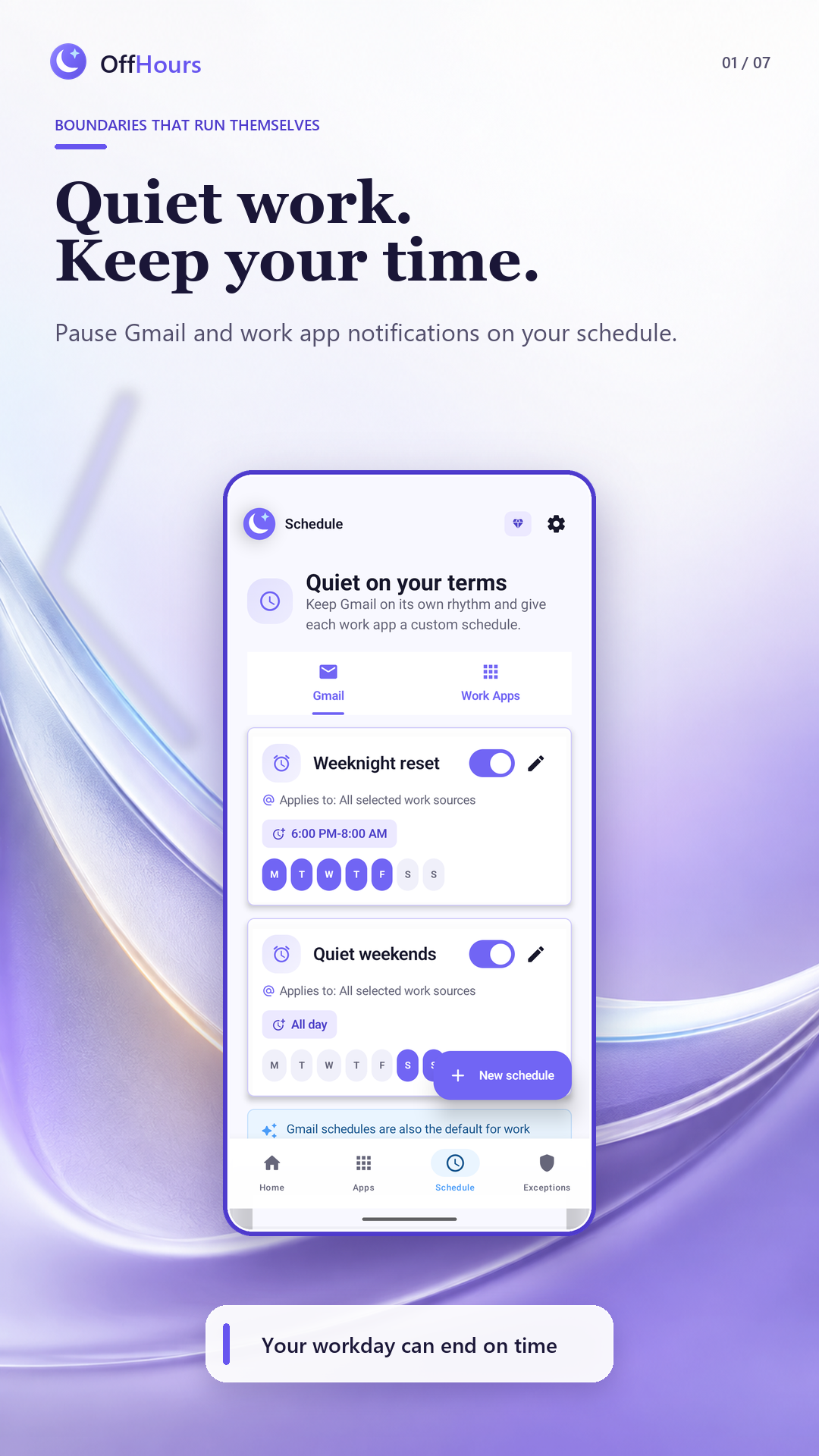
Evenings, weekends, or a focus block. Set your quiet hours once. With Premium, give your Gmail accounts and work apps independent schedules.
Timed, overnight, and all-day schedules
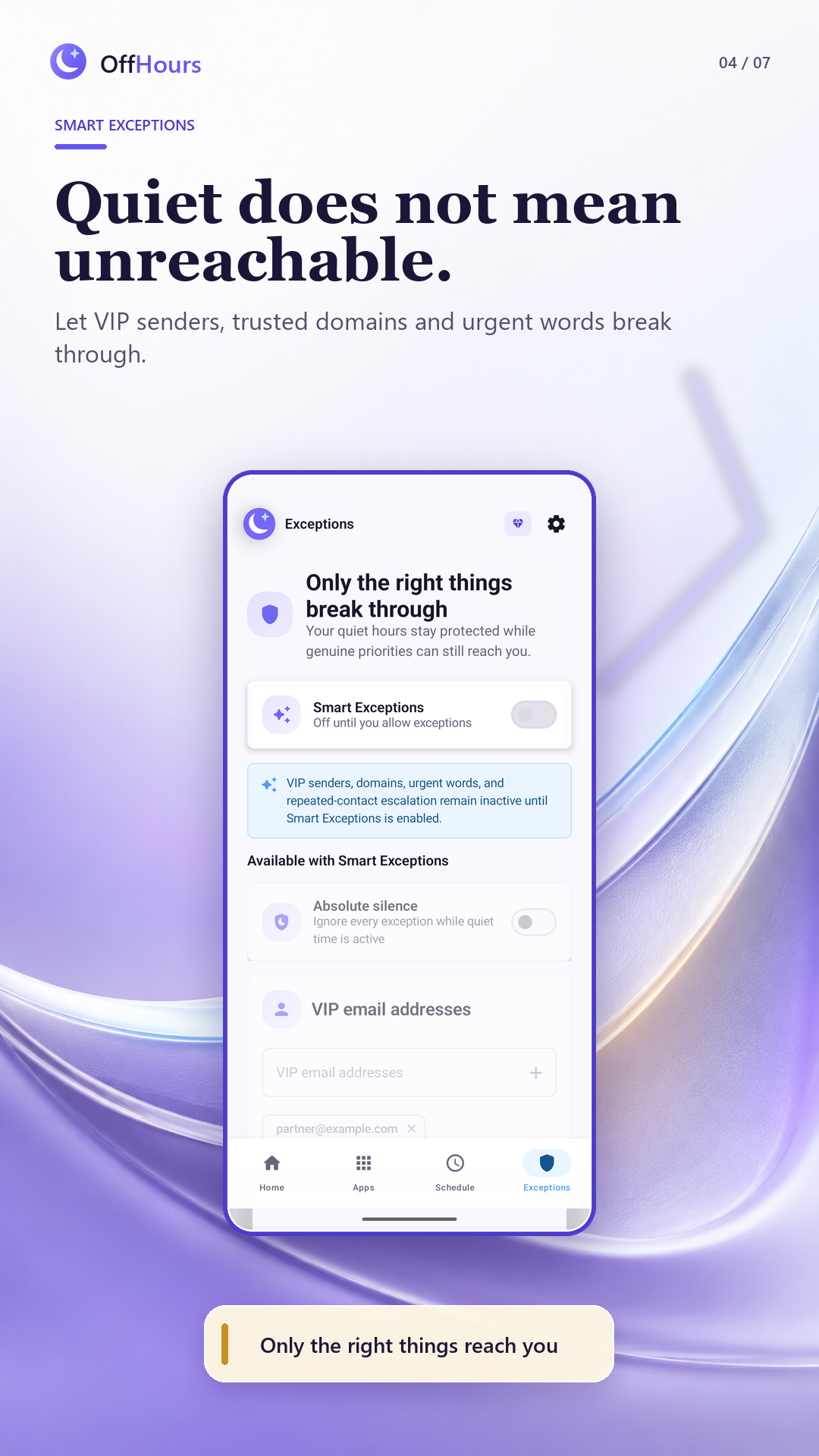
Optional Premium Smart Exceptions let selected Gmail alerts through based on VIP addresses, trusted domains, keywords, or repeated contact.
Off by default. Always your choice.
FOR THE MOMENT YOU'RE IN
Dinner. A walk. A thought worth finishing.
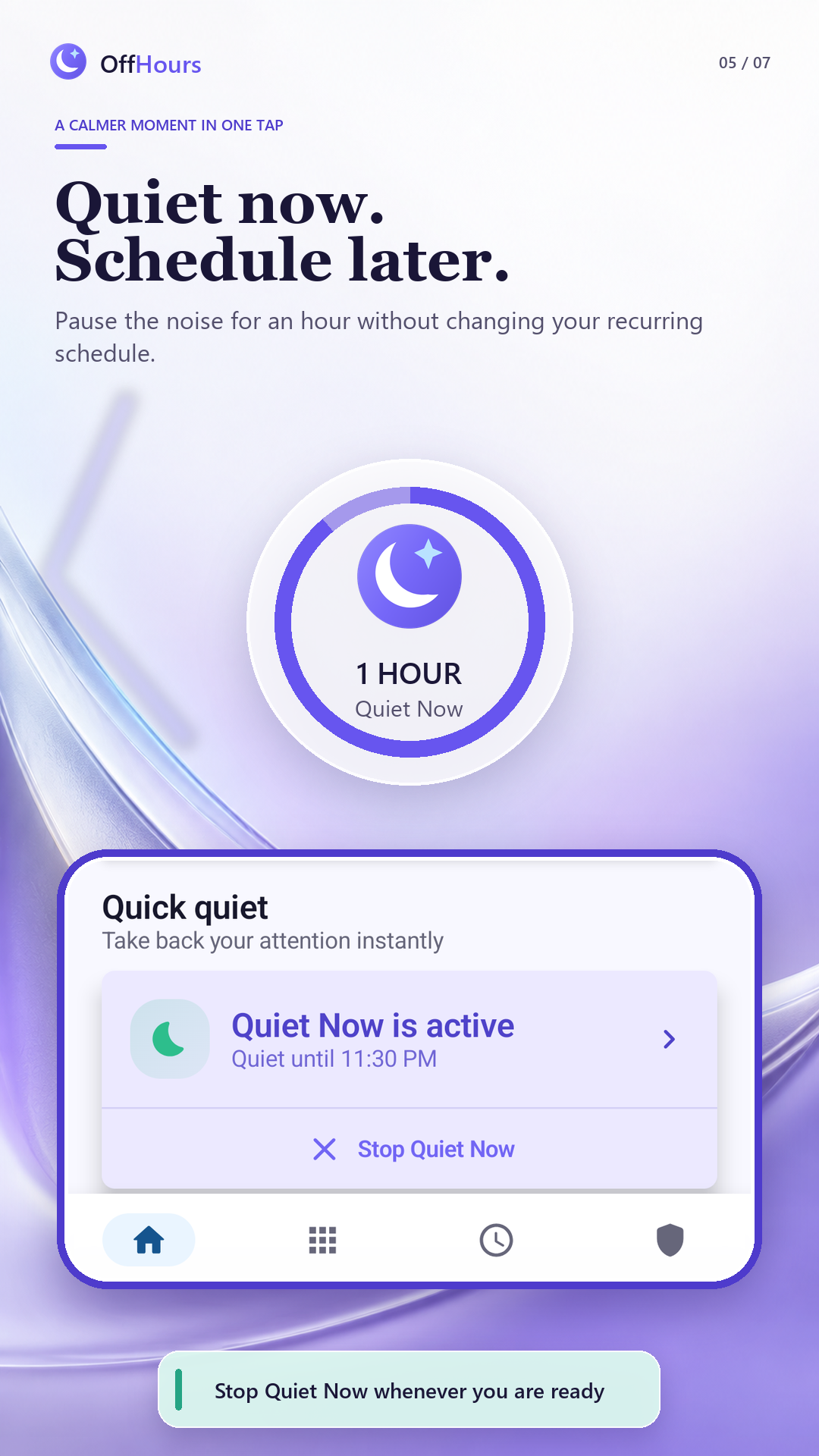
Start Quiet Now for an immediate break, then end it without changing your recurring schedules.
A little space for yourself.
Your recurring schedule stays unchanged.
PERSONAL TIME. PERSONAL DATA.
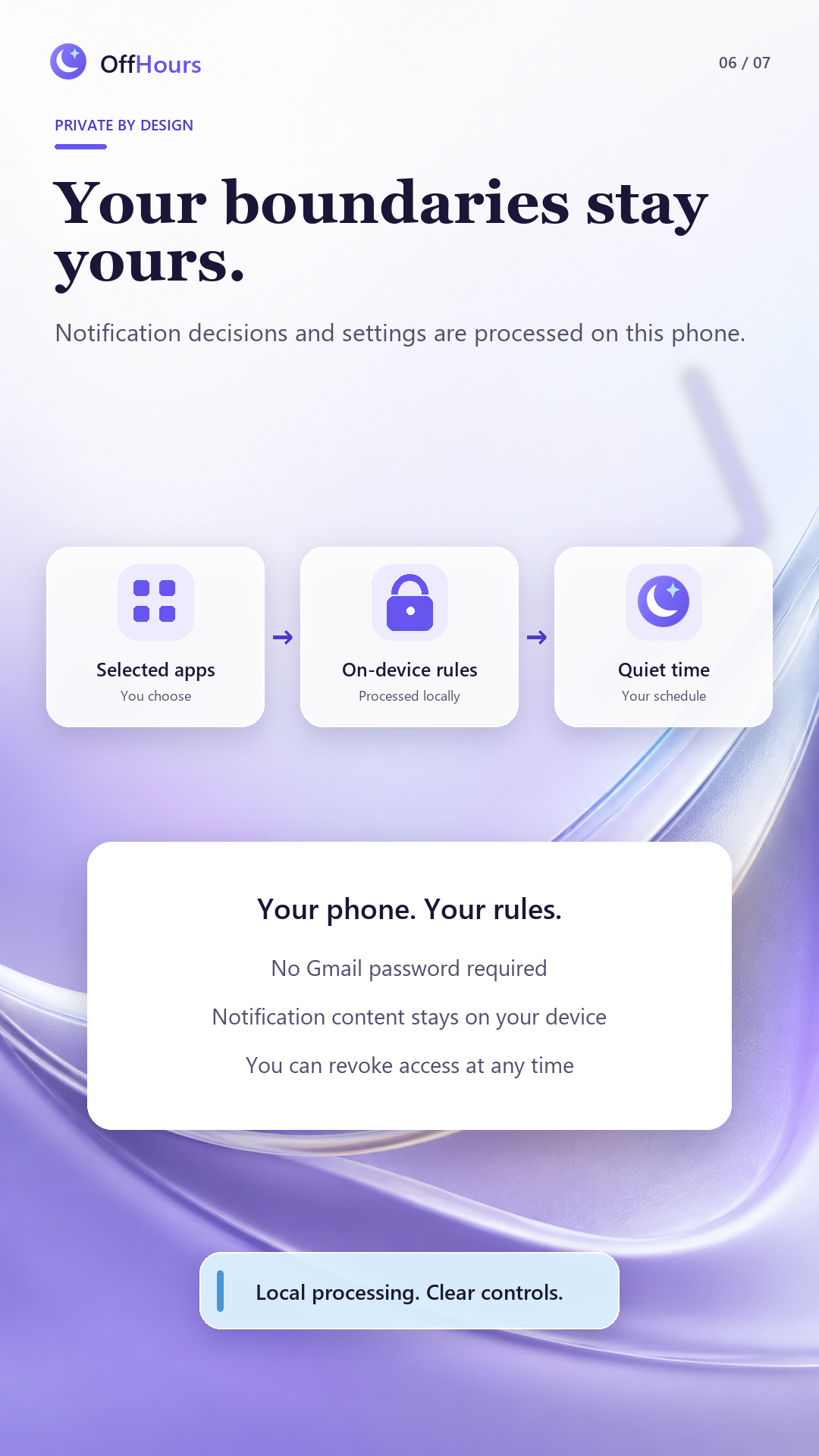
OffHours processes notification decisions on your device.
No Gmail password. No mailbox access. No separate OffHours account.
A CLOSER LOOK
START SMALL. MAKE MORE ROOM.
Simple protection for everyone. More flexibility when you need it.
OFFHOURS FREE
Make room for life after work.
OFFHOURS PREMIUM
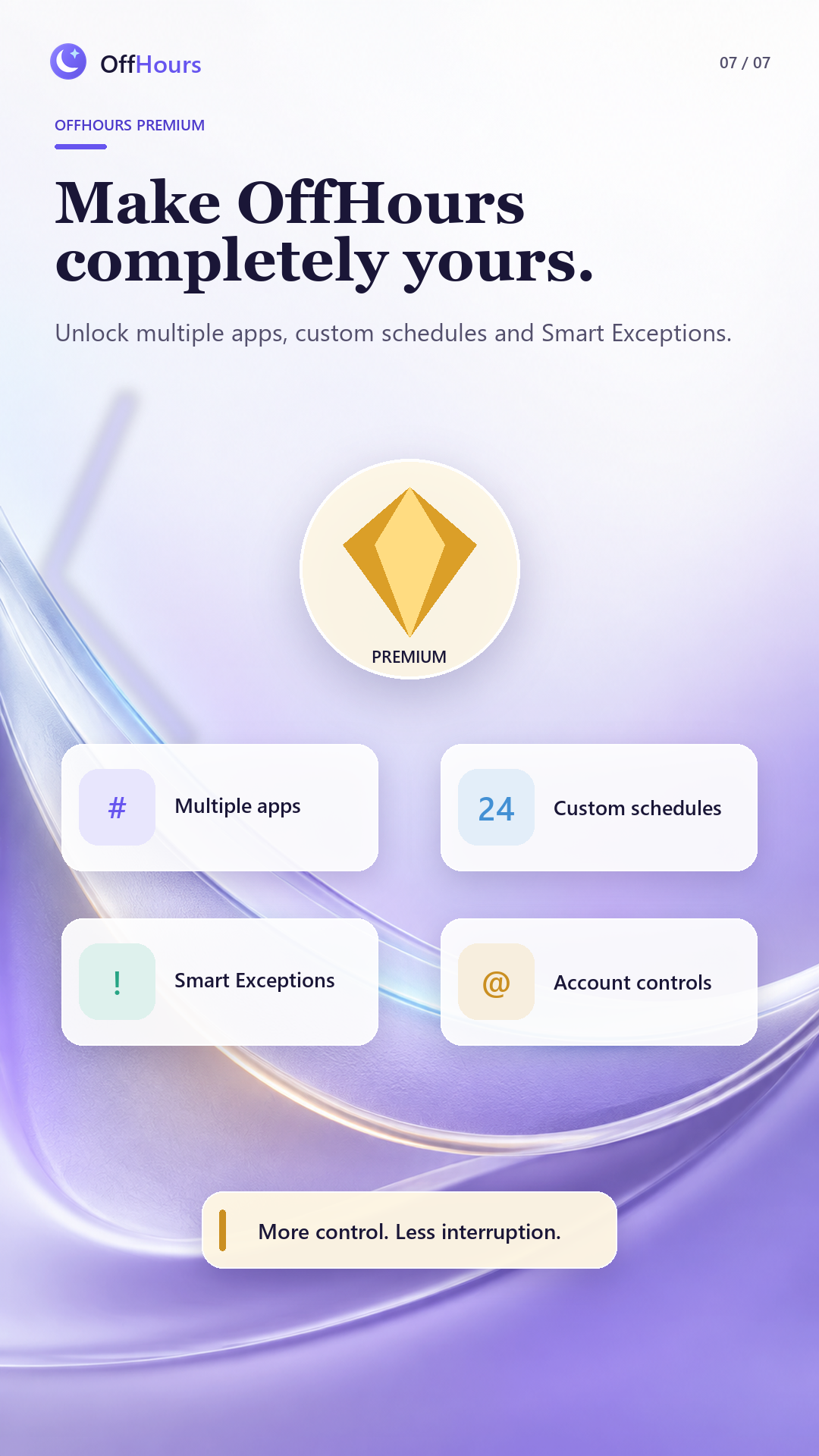
Your accounts. Your apps. Their own hours.
Google Play shows your local price and renewal terms before purchase. Subscriptions renew automatically unless canceled. Manage billing and eligible refund requests through Google Play.
No. OffHours manages eligible notifications from selected Gmail accounts and work apps. Other apps remain available, and you can still open your work apps whenever you choose.
OffHours can find compatible apps installed on your Android phone, including Gmail, Microsoft Outlook, Microsoft Teams, HubSpot, Slack, and Zoom. Compatibility depends on the notifications each app exposes and your device settings.
No. OffHours does not sign in to Gmail, request your Gmail password, or access your mailbox. Android Notification Access makes posted notification details available on your device. Optional Smart Exceptions inspect those details locally to apply your rules.
OffHours asks Android to return eligible snoozed notifications. Restoration varies by Android version, source app, and device settings. Check the original app for complete information.
Yes. Manage your subscription in Google Play under Payments and subscriptions. Cancellation normally stops the next renewal; access continues through the paid period. Uninstalling OffHours does not cancel your subscription.
OffHours requires Android Notification Access and suitable background battery settings. Notification behavior can vary by device, work profile, source app, permissions, and software updates. Do not rely on OffHours for emergency or safety-critical communications.
OffHours for Android